See it in action.
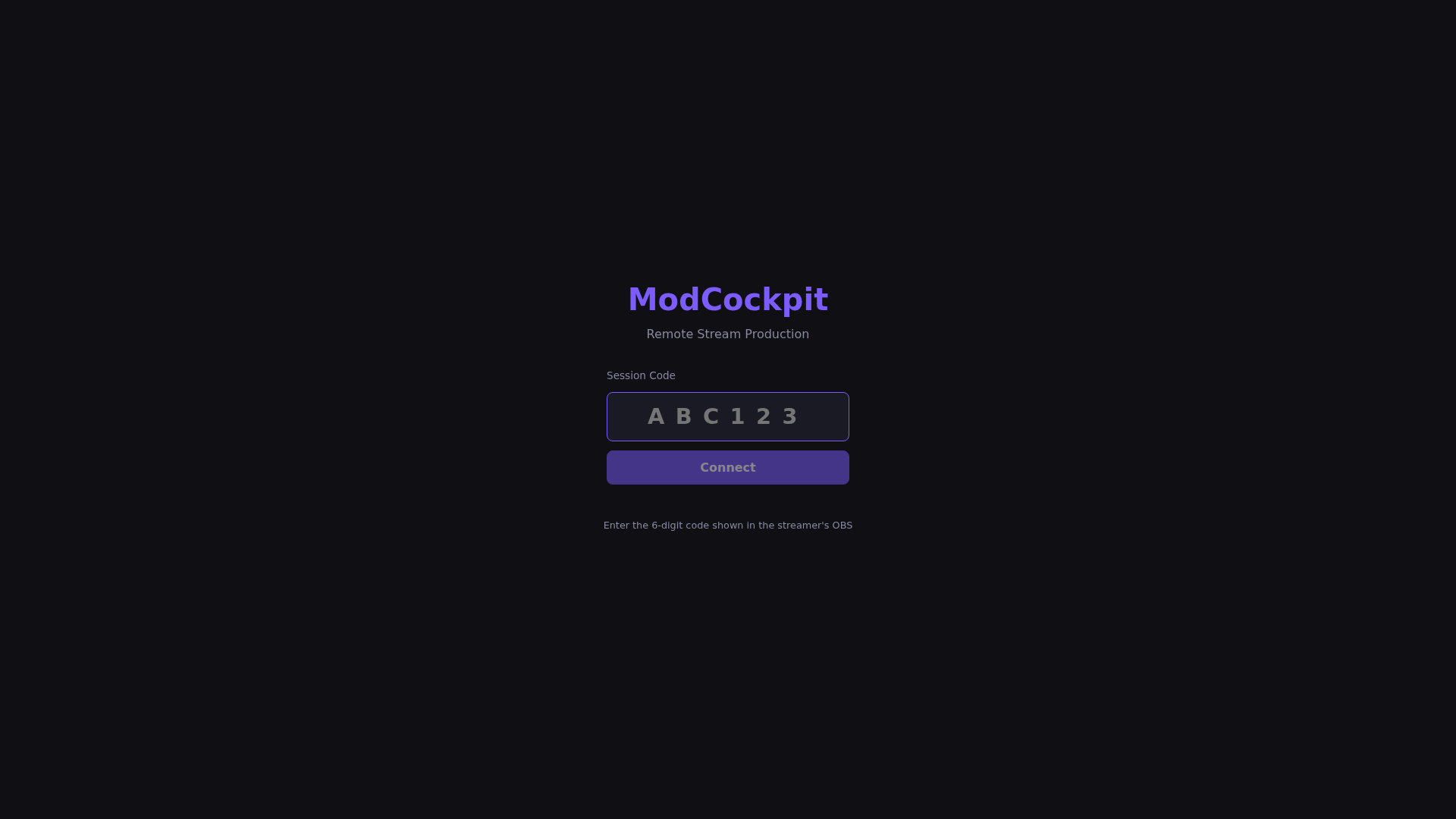
The mod cockpit – real screenshots from the beta. Click through!
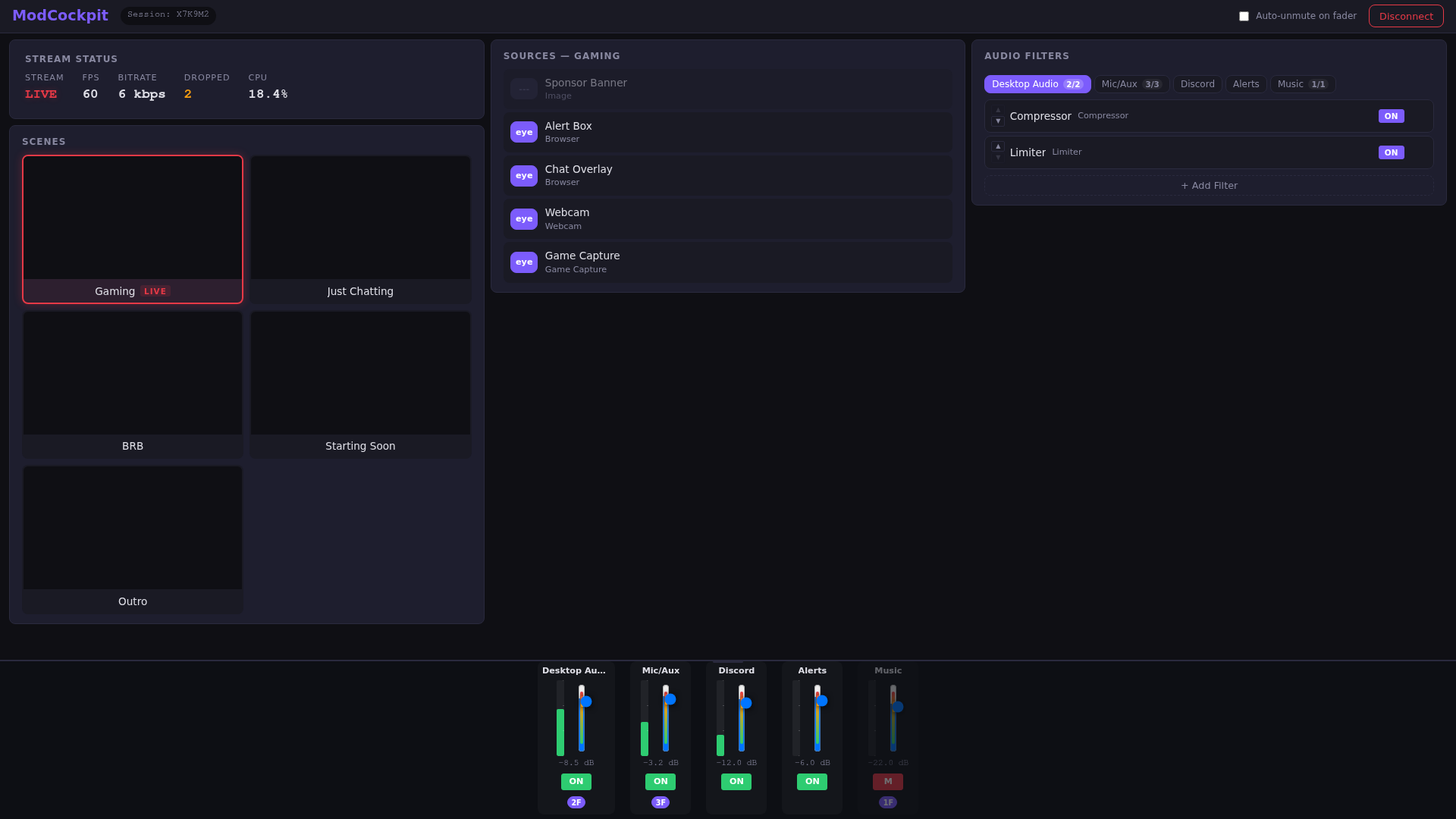
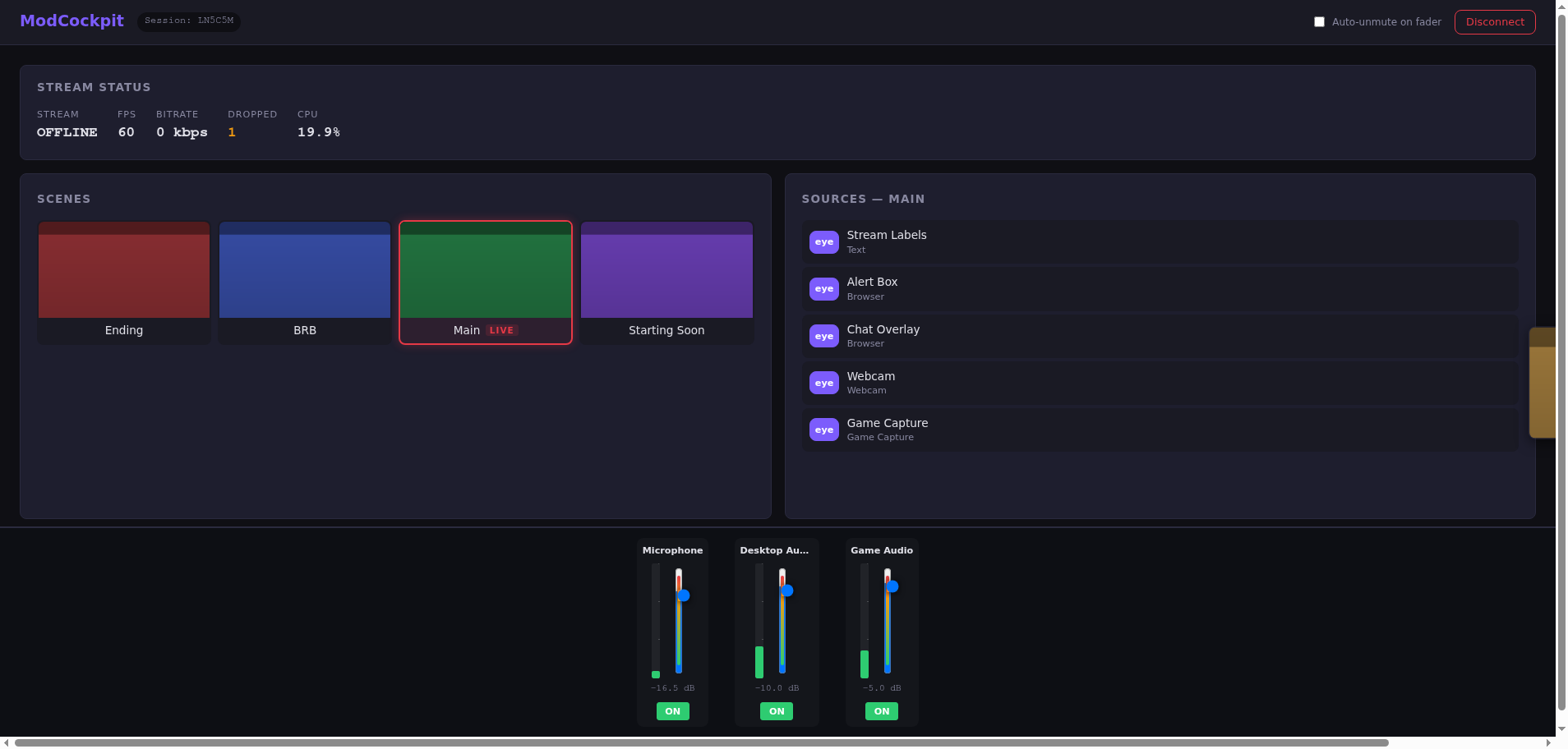
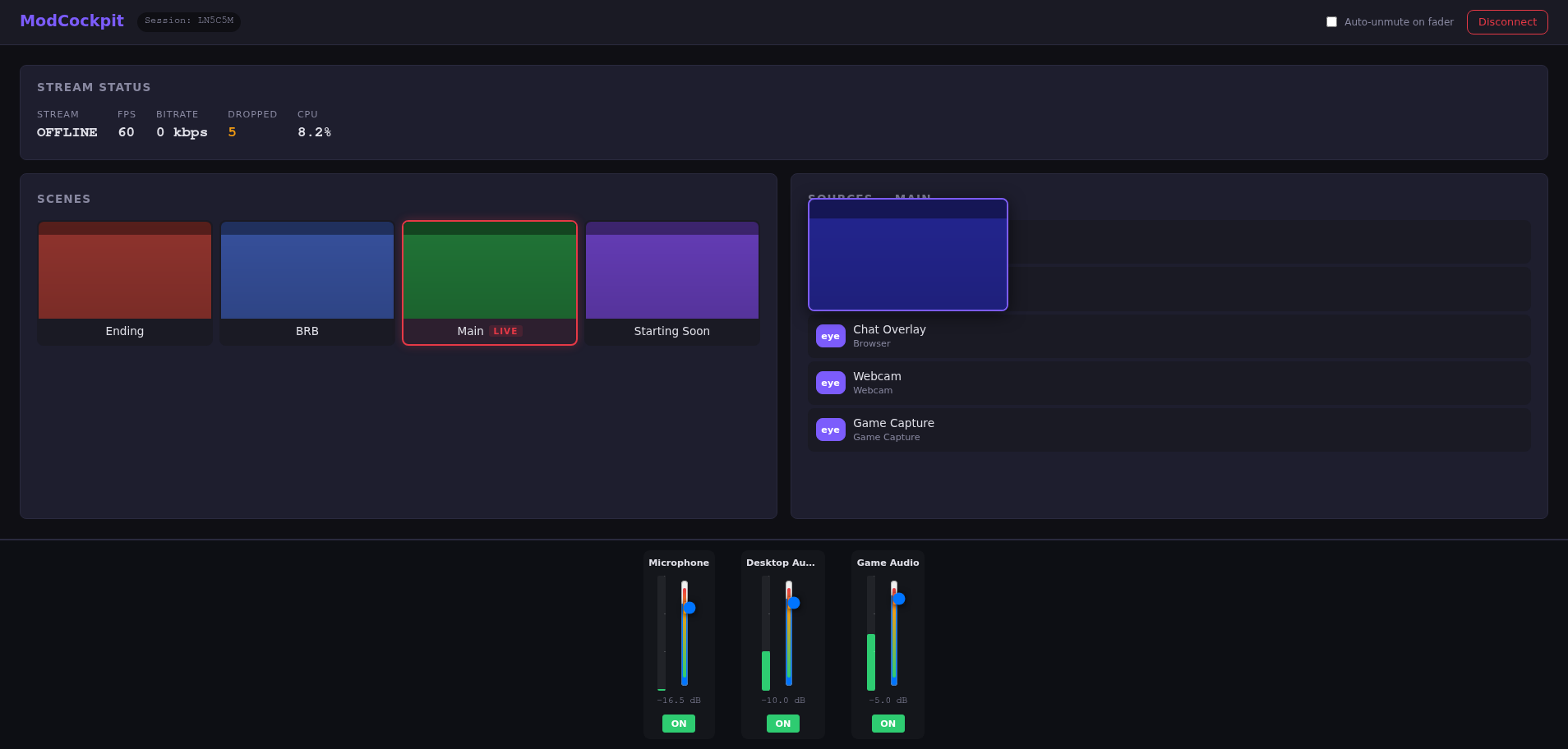
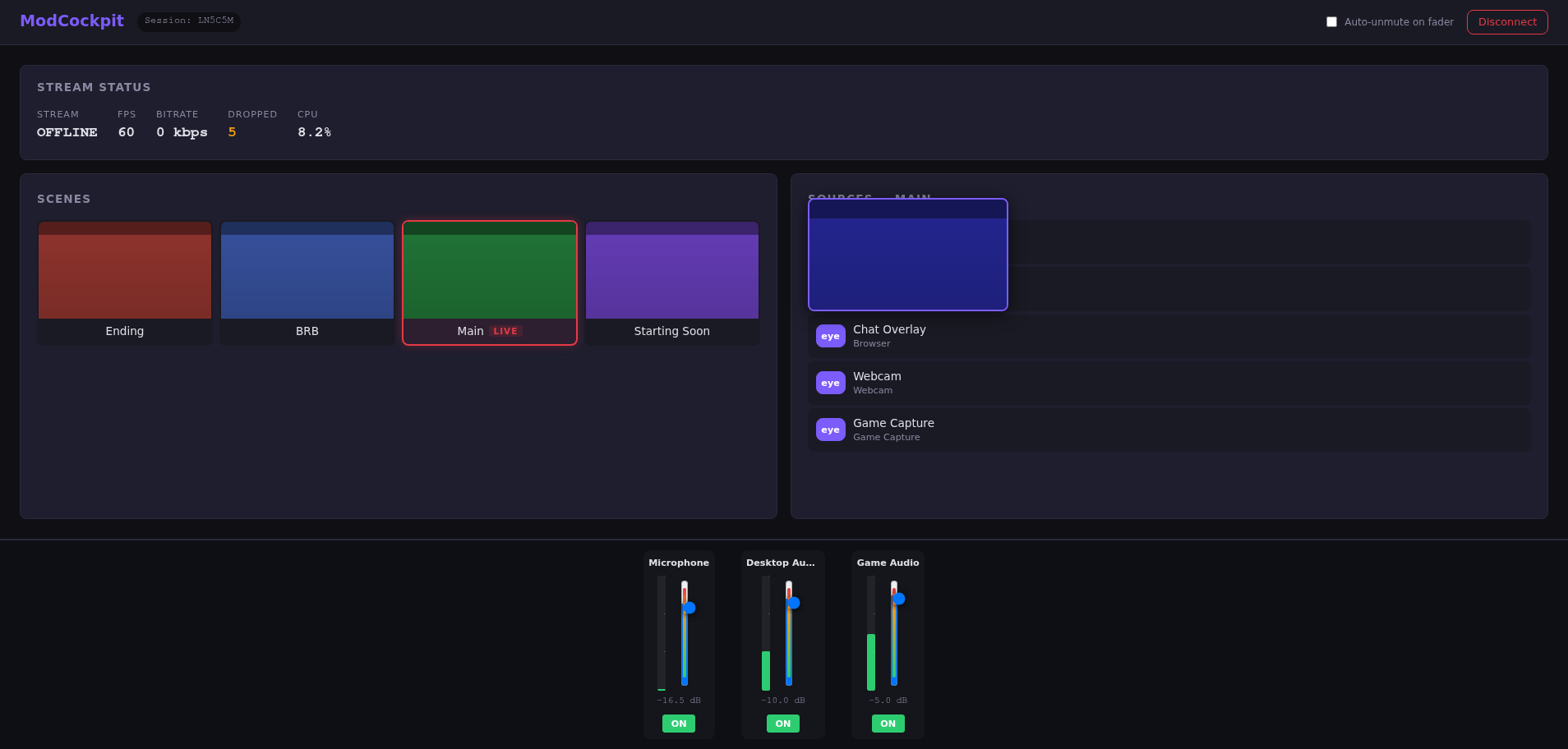
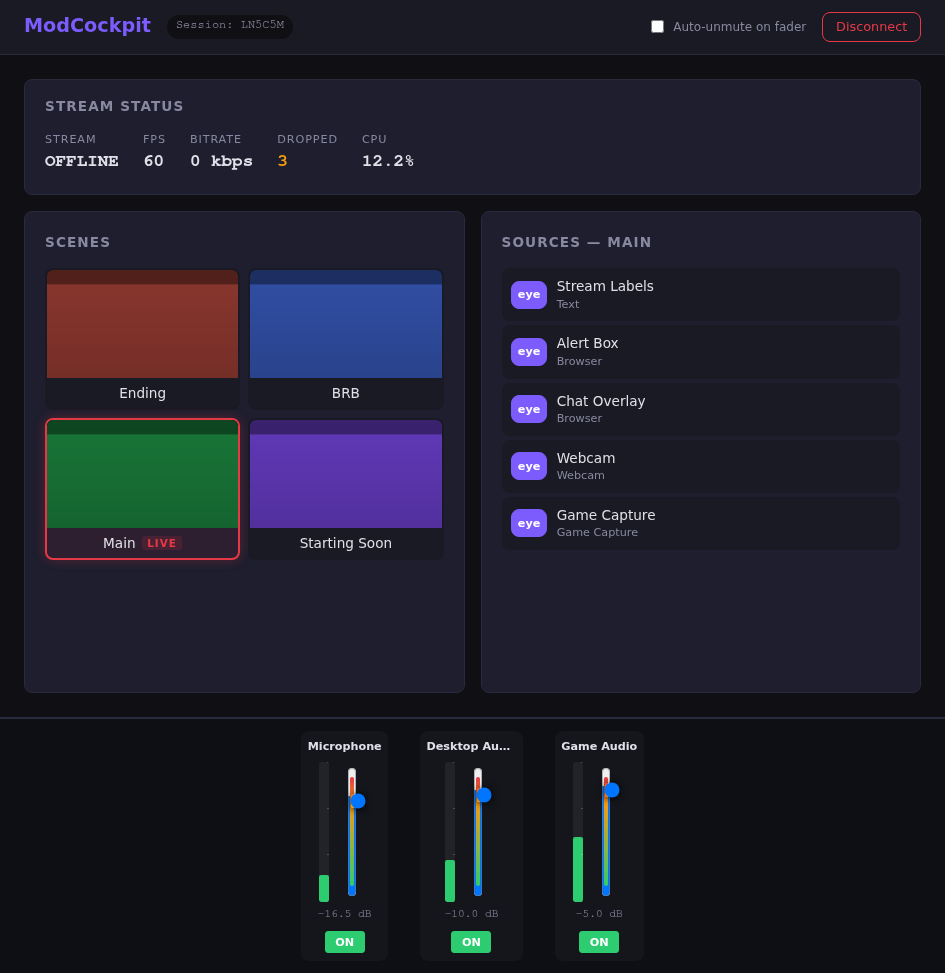
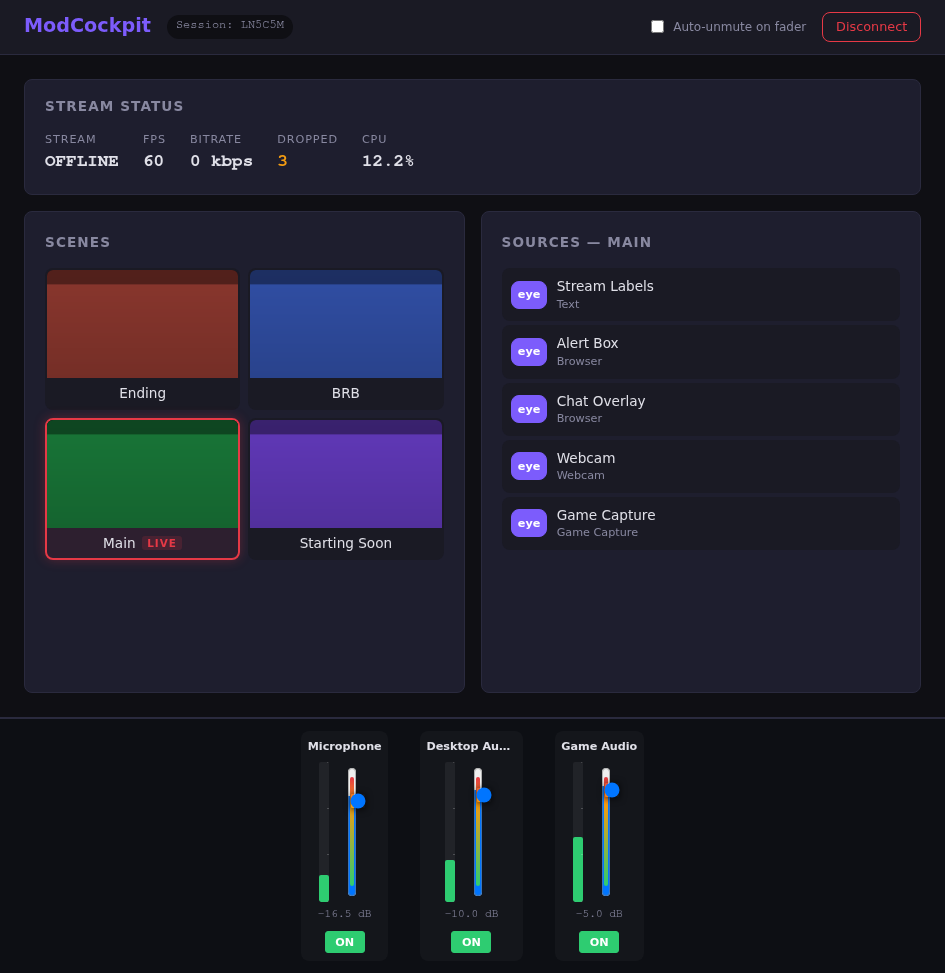
Give your mods control over OBS – directly from the browser. Scenes, audio, sources: everything remote-controllable, without access to your PC.
Every streamer knows this: You're in the middle of a game, chat is going wild – and you have to switch scenes, hide the cam and activate the BRB screen on the side.
From audio mixing to scene direction – all in one browser cockpit.
6-digit code, streamer approves with one click. Sessions expire automatically – no cleanup needed.
MVPLive preview of all scenes as thumbnails, one-click switching with instant feedback and LIVE badge.
MVPReal-time VU meters, faders for every source, mute/unmute. Your mod mixes the sound live.
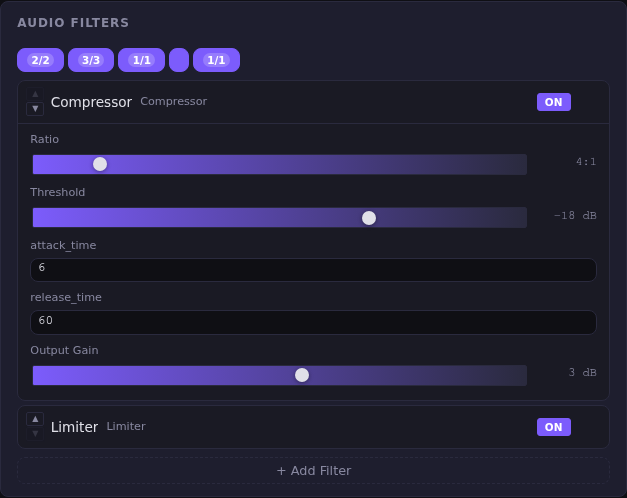
MVPCompressor, noise gate, gain, limiter – 6 filter types with all parameters. Add, remove, reorder.
MVPShow/hide sources with the eye icon, individual source preview as thumbnail. Full control over every layer.
MVPPreview and program separated – your mod prepares the next scene while the current one is still live.
MVPFade, stinger, cut and more — configure transition type and duration directly from the cockpit. Like in OBS, but from the browser.
MVPLost connection? No problem. Sessions survive disconnects up to 2 minutes – the mod stays connected.
MVPInvite regular mods, set permissions once. Your mod sees "Streamer is online" in the portal and connects with one click – no code, no approval needed.
MVPSwitch between multiple streamers without logging out. The portal shows all active sessions – one click and you're in the cockpit.
MVPUp to 16 mods simultaneously in one session. Each mod with their own permissions – the streamer keeps full control.
MVPBitrate, FPS, dropped frames – your mod spots problems before chat does.
MVPMissed a highlight? Your mod saves the last seconds at the press of a button – start, stop, save directly from the cockpit.
MVPNot just control – also create. New scenes, sources and filters directly from the cockpit with automatic type detection.
MVPYou decide exactly what each mod can do. 4 levels per category – from "view only" to "full control". Server-side enforced.
MVPWho did what and when? Every mod action is logged – filterable per session, with details for every command.
MVPYour mod can send messages that appear as a toast notification in the OBS dock. Perfect for "Mic is off!" or "Switch scene?" — no Discord, no chat needed.
MVPSwitch scene + mute mic + start countdown – all with one click on a button.
Phase 2Automatic volume monitoring, mic presence detection, smart ducking and Discord integration — so your stream always sounds great. Game audio, voice chat and music are intelligently distinguished.
MVPTitle, category, raids, polls, predictions – all directly from the mod cockpit.
Phase 2The mod cockpit – real screenshots from the beta. Click through!
Install the native OBS plugin – integrates directly into OBS with its own dock panel. Connects automatically to the relay server.
The session code is displayed automatically in the OBS dock – just send it to your mod. Or: pair a regular mod and connect via portal with one click.
The mod opens ModCockpit in the browser, enters the code – and controls OBS in real-time.
No port forwarding, no VPN, no direct PC access. Only encrypted relay connections.
One-time, time-limited codes – like common remote support solutions. Expires automatically, no permanent access needed.
All connections run over WSS/HTTPS – fully encrypted. Stream keys and passwords are never transmitted.
Mods can verify via their Twitch account. You always know who's in control.
Every permission individually configurable: audio, scenes, sources, stream control. 4 levels per category – from observer to full control. You can kick mods, change permissions, or end the session at any time.
Every command is double-signed with Ed25519 — once by the mod (end-to-end) and once by the server. The OBS plugin verifies both signatures. Unique nonces and timestamps prevent replay attacks.
The relay server only forwards data and stores nothing. No screenshots, no audio data, no stream content. Session ended = all data gone.
No trackers, no analytics, no third-party cookies. The founder of ModCockpit is an IT and data protection expert himself.
Hosted and operated in an ISO 27001-certified data center in Germany.
All data stays in Germany — no data leaves the EU.
Developed by German engineers with over 20 years of professional IT experience. Short communication paths, direct support.
Limited spots in the closed beta. Free access, direct line to the dev team.
Twitch login preferred – or sign up via email.
Sign in with Twitch